Description
Your car’s own Wi-Fi race computer
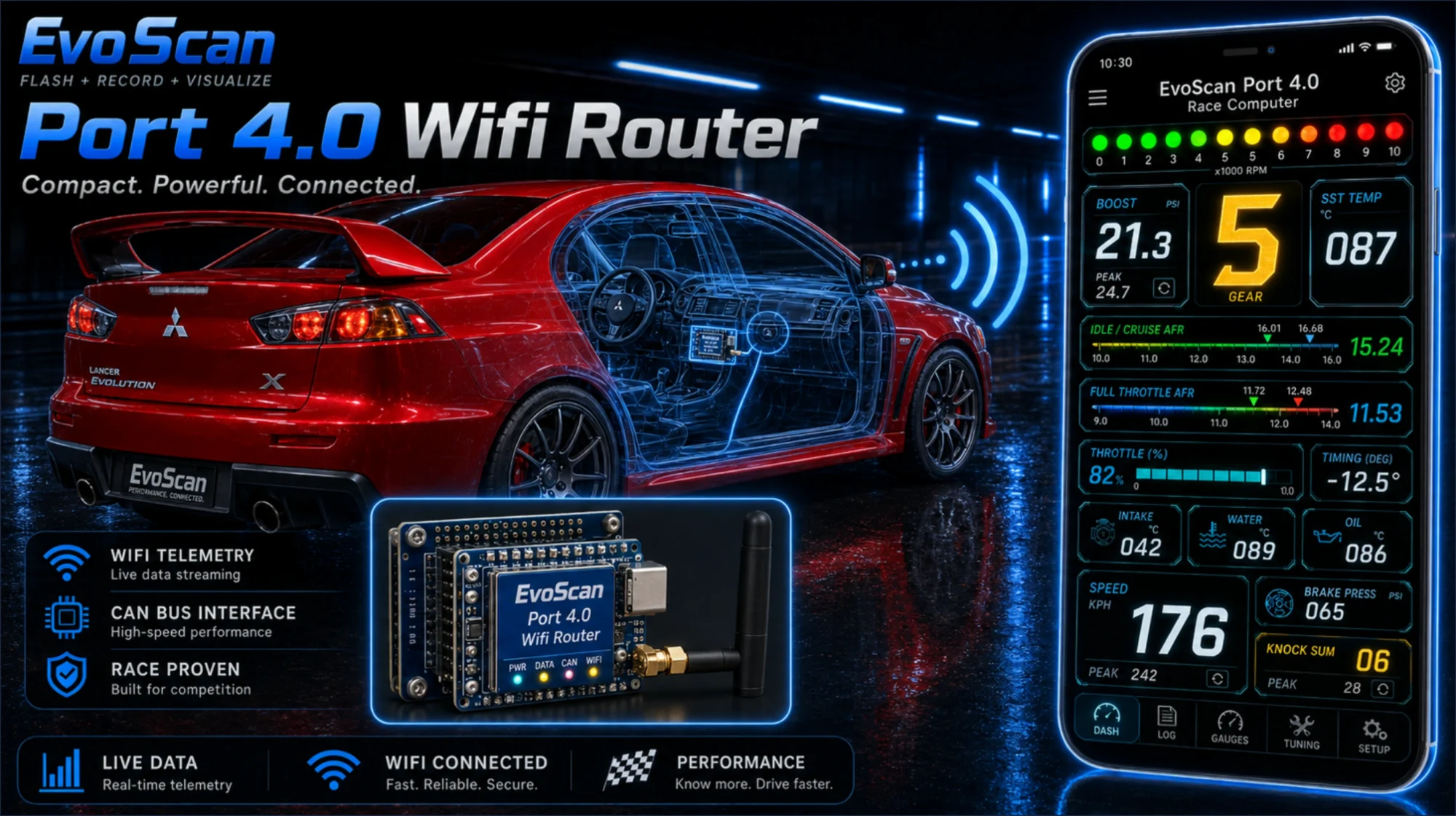
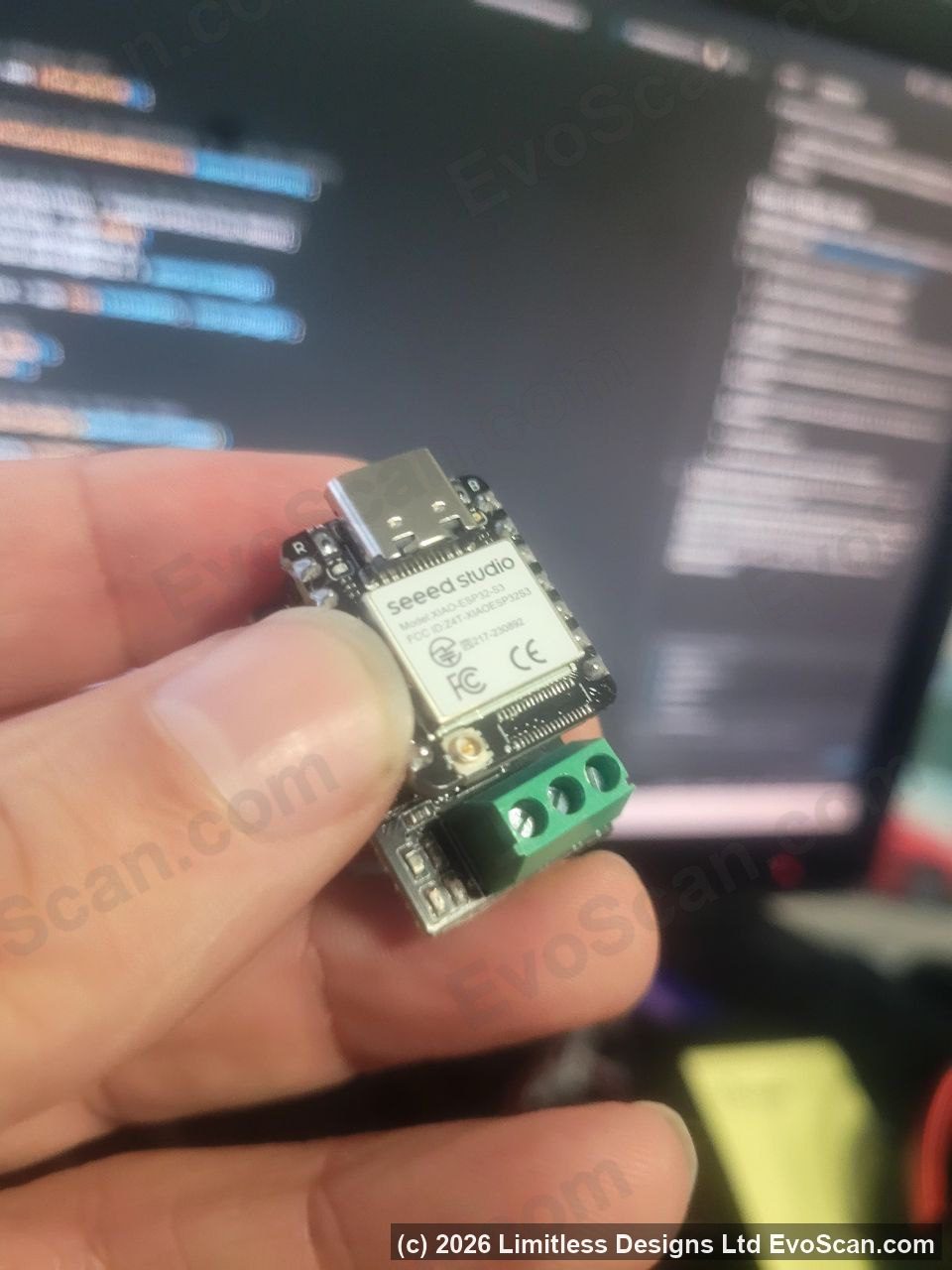
EvoScan Port 4.0 turns a Seeed Studio XIAO ESP32-S3 and its CAN breakout board into a permanent in-car data logger and diagnostic computer. It wires into the vehicle’s high-speed internal CAN bus behind the steering column, powers up with the car and serves its own dashboard over Wi-Fi. Open a browser on your phone, tablet, laptop or Android head unit and the data is there: gauges, live graphs, logging and trouble codes, with no laptop on the passenger seat and no cable to plug in before every drive.
What you are buying is the software licence and the Windows flasher that programs the board. The hardware costs under $30 USD from Seeed Studio and is sold separately, so there is no proprietary cable to go out of production and nothing to wait for in the post.
New: EvoScan for Android
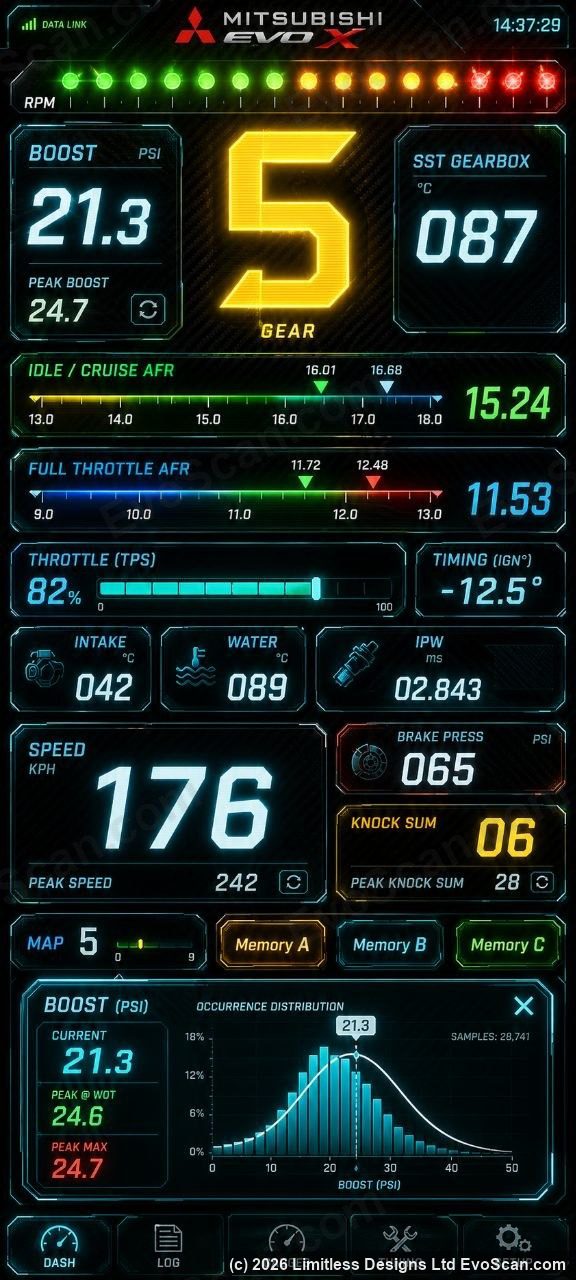
Port 4.0 now comes with its own Android app, free with every licence. The dashboard has always run in a browser, and still does; the app adds the two things a browser cannot do.
Internet and Port 4.0 at the same time. Let the Port 4.0 join your phone’s hotspot and your phone keeps its mobile data. Maps, music and messages carry on, and the live dashboard runs right alongside them. No more switching your phone onto the car’s Wi-Fi to see the gauges.
It finds the device by itself. A hotspot hands the Port 4.0 a different address every time it connects, and that used to mean hunting for it. The app sweeps the addresses your hotspot has handed out until the Port 4.0 answers, then opens it. On the car’s own Wi-Fi or a shared network it is the same: open the app and your car appears by its number plate within a few seconds. It remembers your car, so next time it opens straight onto the dashboard.
The full dashboard, phone sized. Every gauge, graph, log and setting from the browser dashboard, with the screen kept on and a one-tap “gauges only” view that strips everything else away for a phone mount. The app knows the device’s certificate, so there is no “connection is not private” warning to click through.
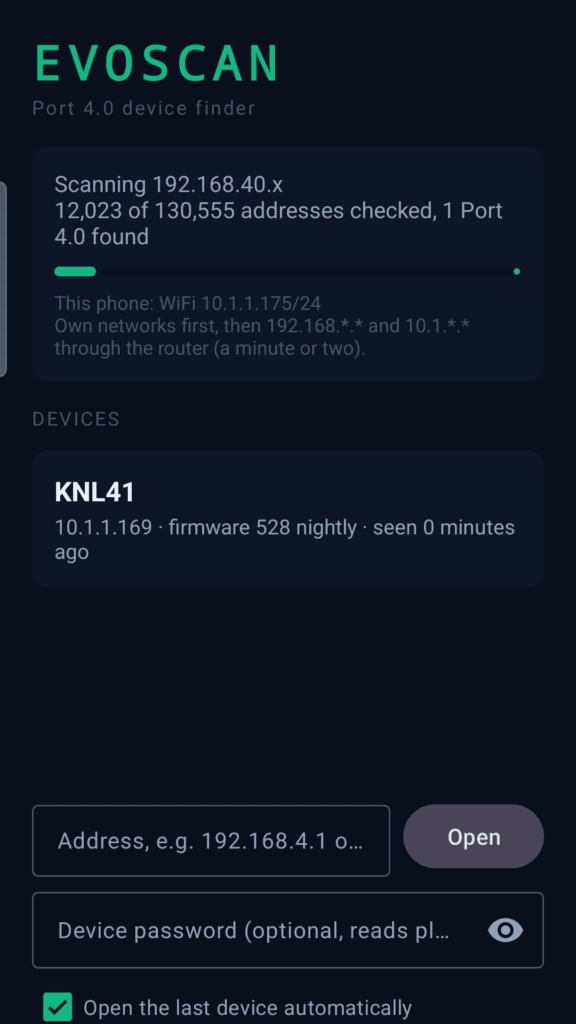
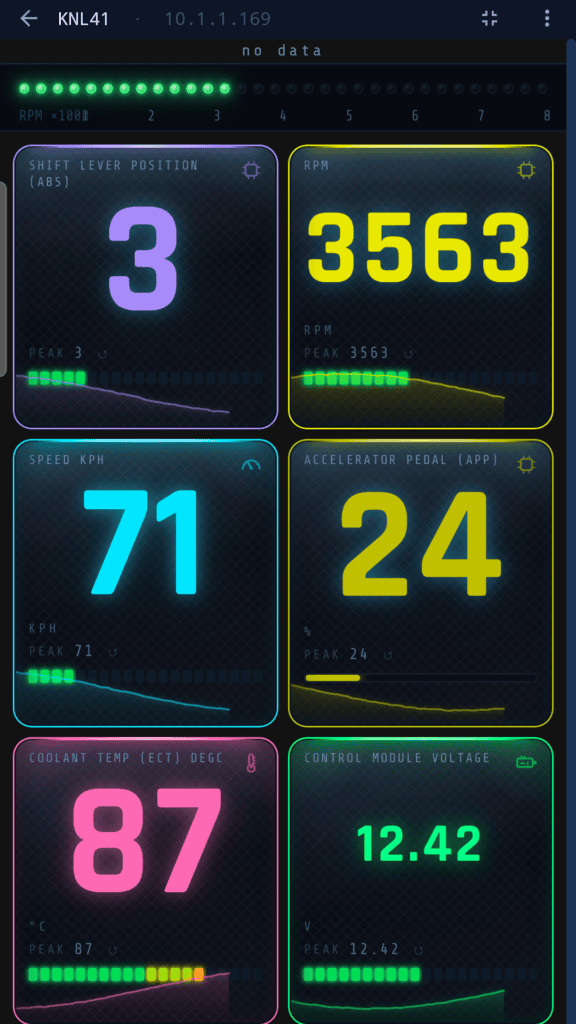
The app is in the Downloads section of My Account next to the flasher for every Port 4.0 order, and at evoscan.com/android. Android 8 or newer; a Google Play listing is on its way. It collects no data and talks only to your Port 4.0. iPhones, iPads, laptops and head units carry on using https://evoscan.local in the browser as before.
Why it is faster than any cable
Every CAN cable on the market works the same way. An app on your phone or laptop sends one request, the cable passes it to the car, the reply travels back through the cable, and the app processes it before sending the next. While each round trip is in flight, the thousands of frames the car broadcasts every second go past unread.
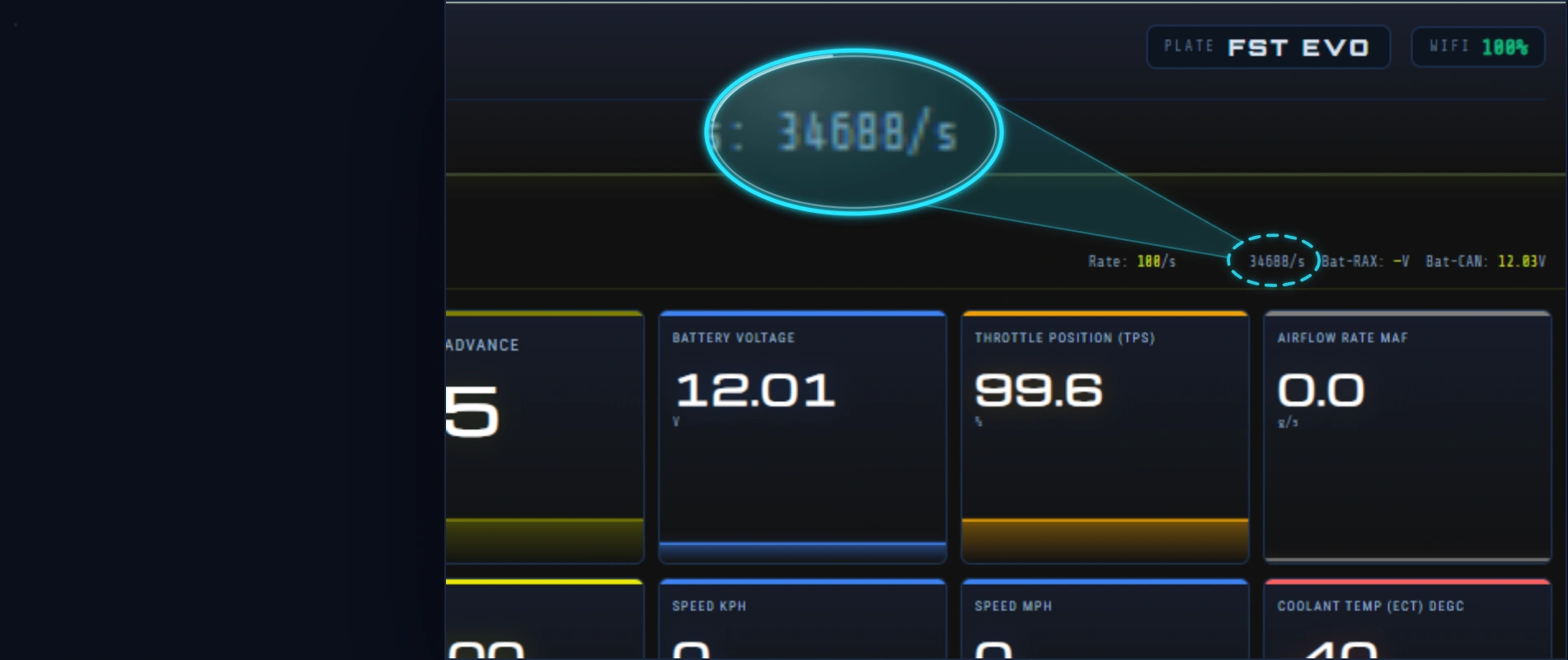
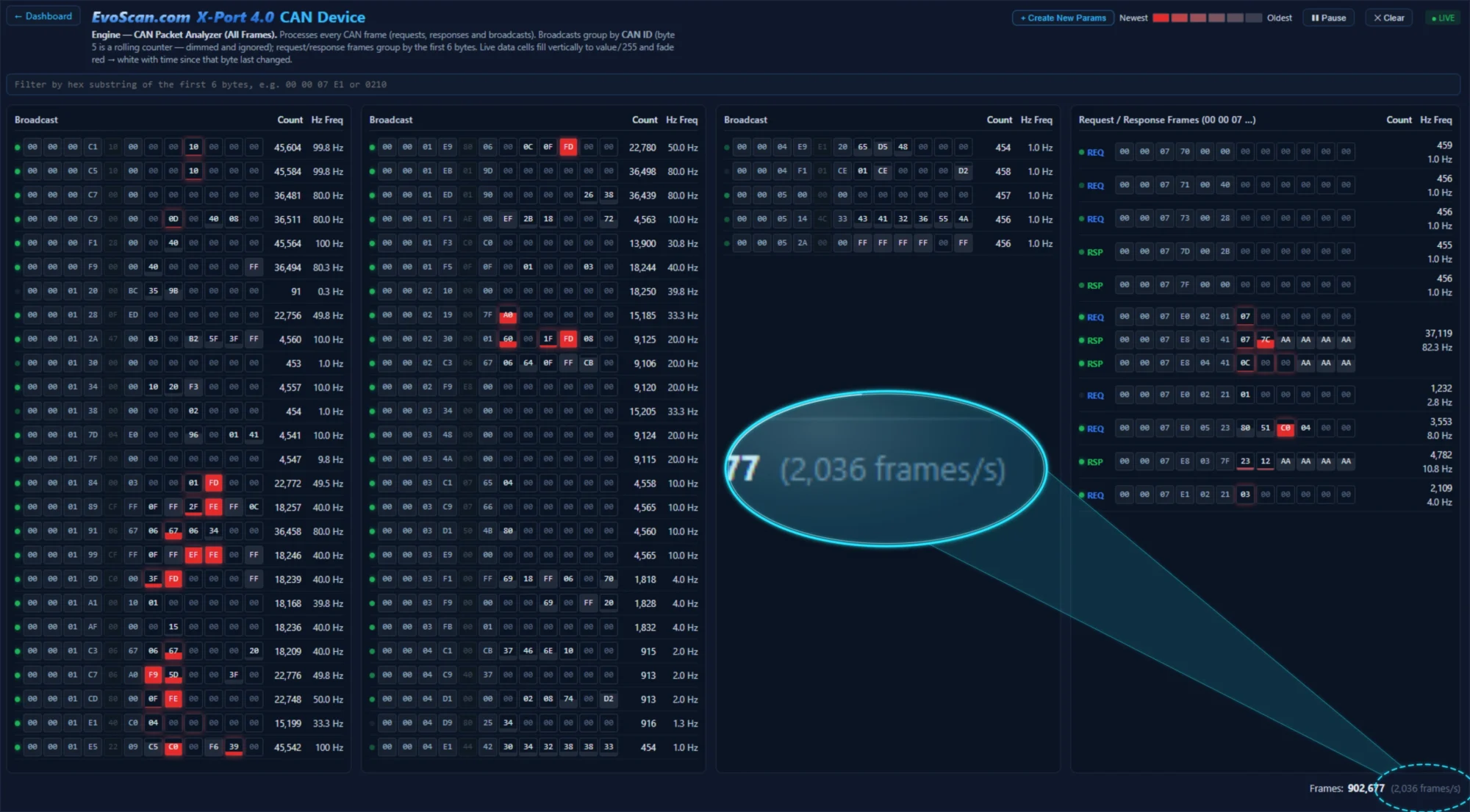
Port 4.0 sits on the bus itself. Its request loop runs on the microcontroller, a few microseconds from the CAN transceiver, so it polls the ECUs back to back and captures every broadcast frame at the same time. On an Evo X it checks up to 50,168 CAN frames per second, reads TephraXmod packets at more than 2,000 per second and stamps each sample with the microsecond it arrived. The live figure is on the device’s own stats page. Against the EvoScan 3.0DA Android cable it replaces, logging is roughly twice as fast.
What it does
Live dashboards
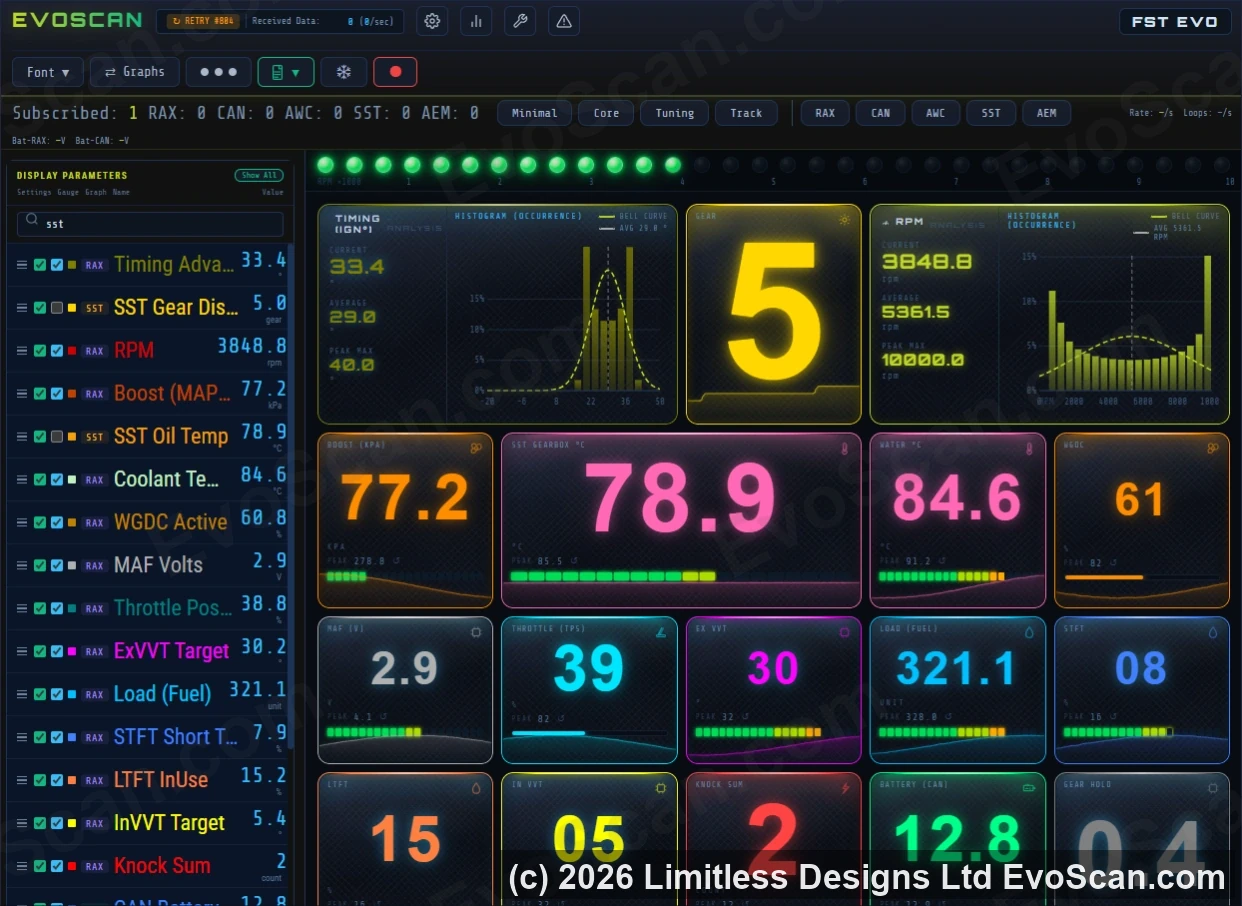
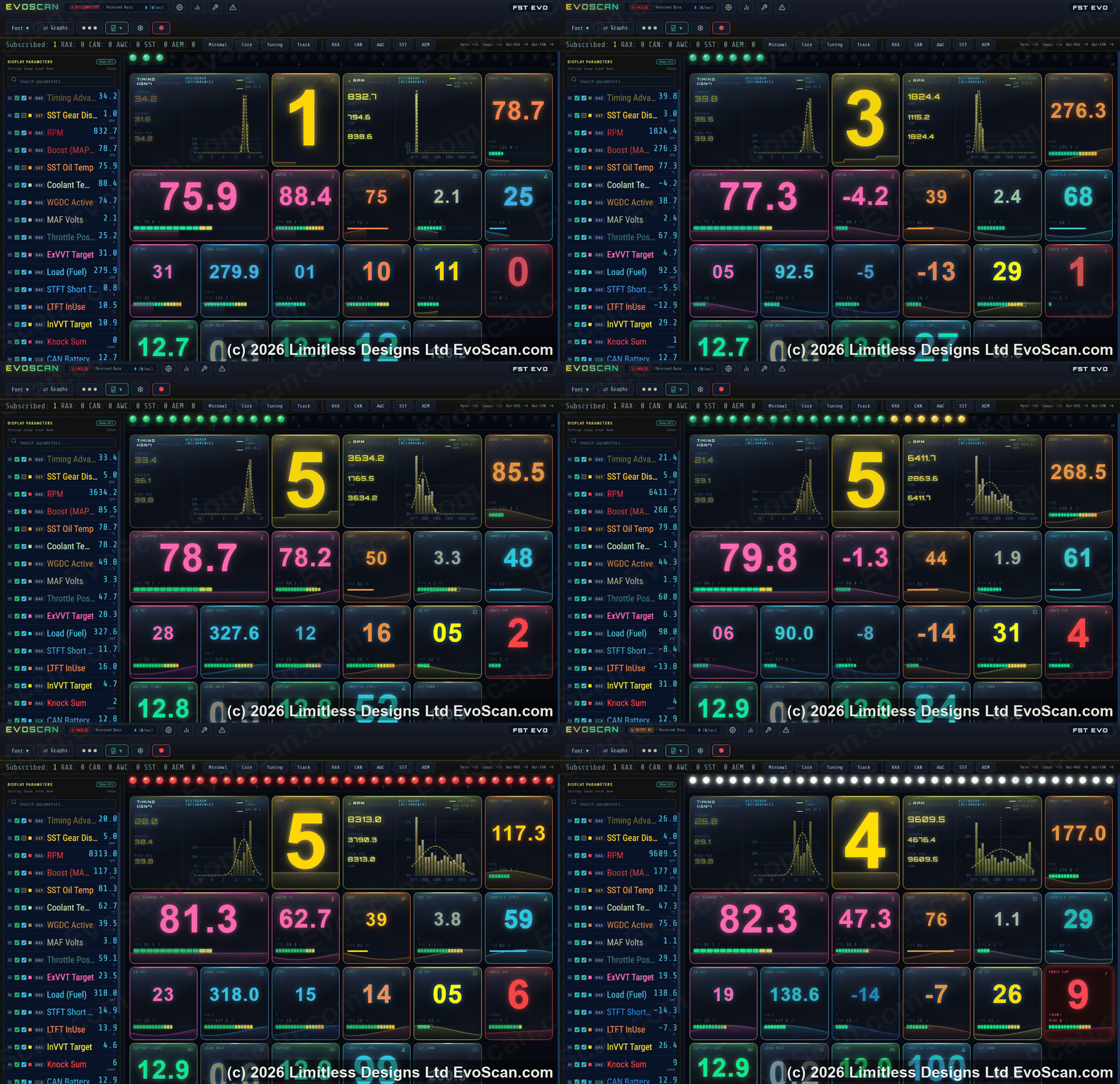
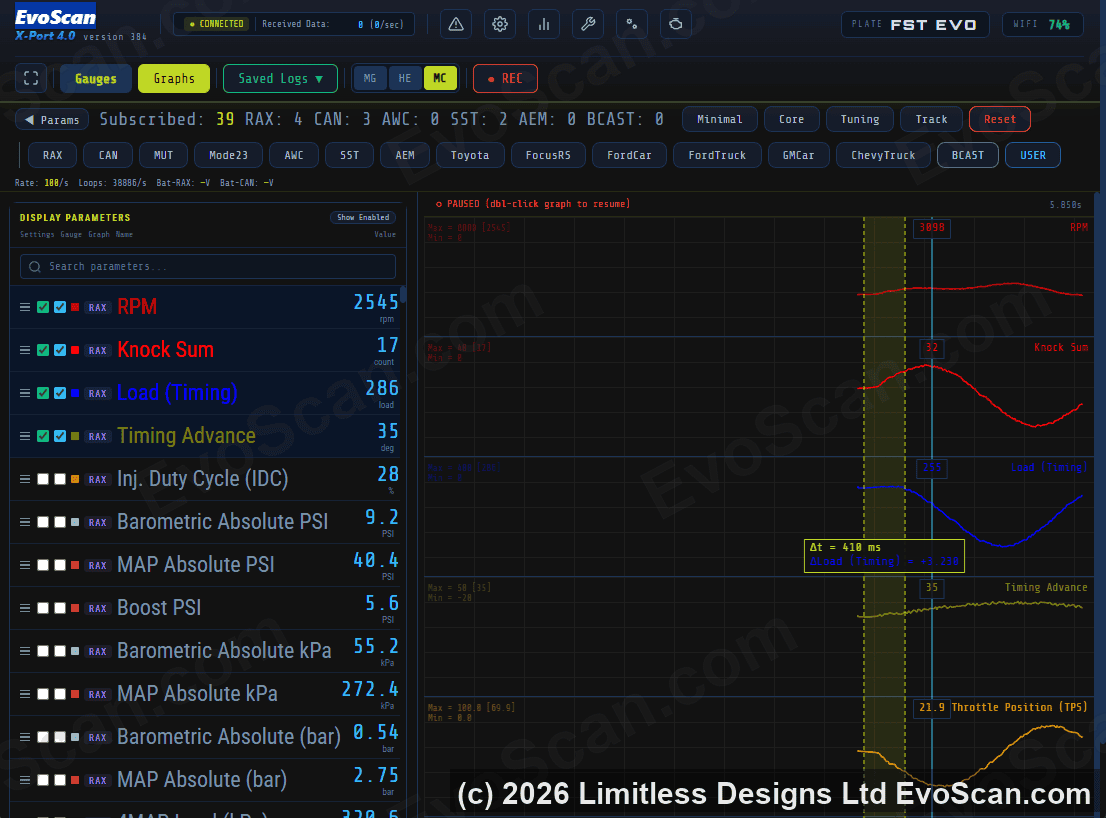
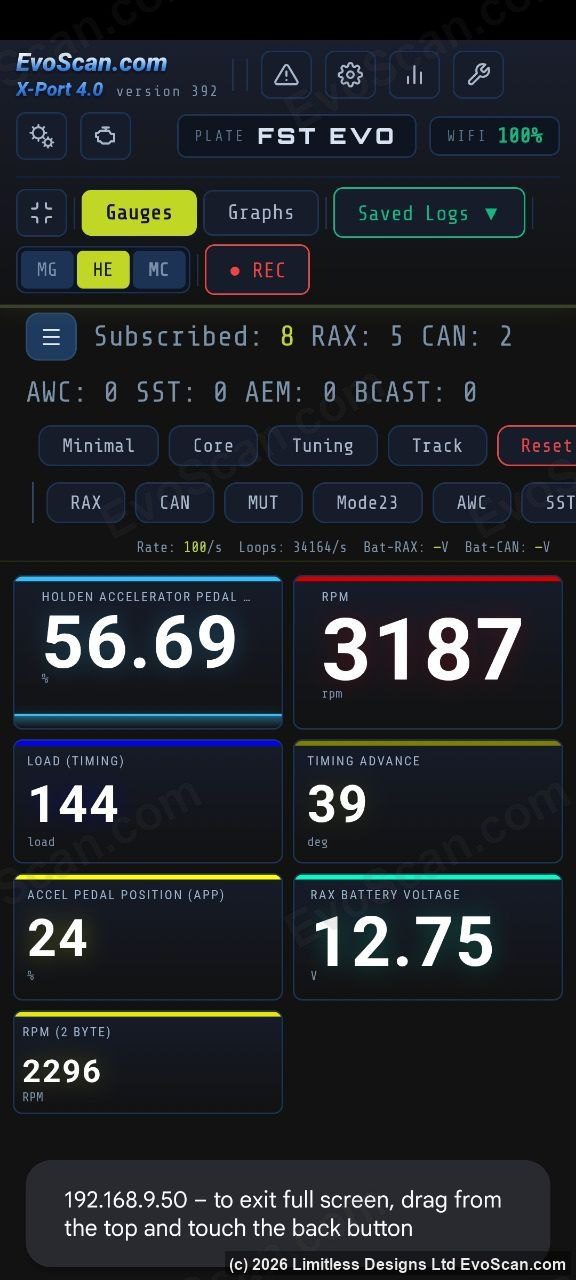
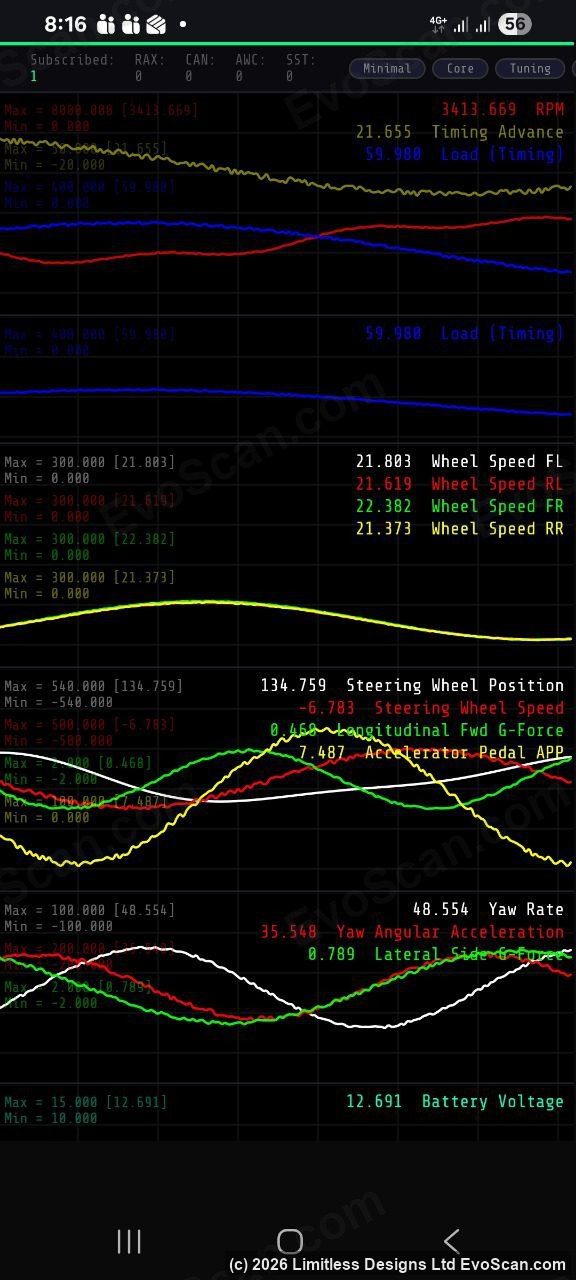
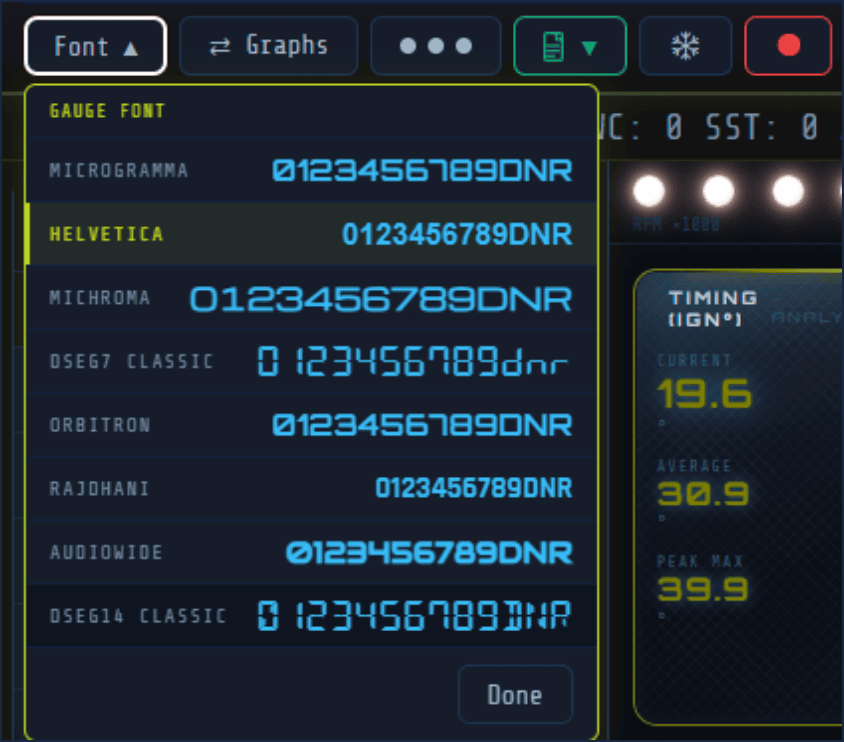
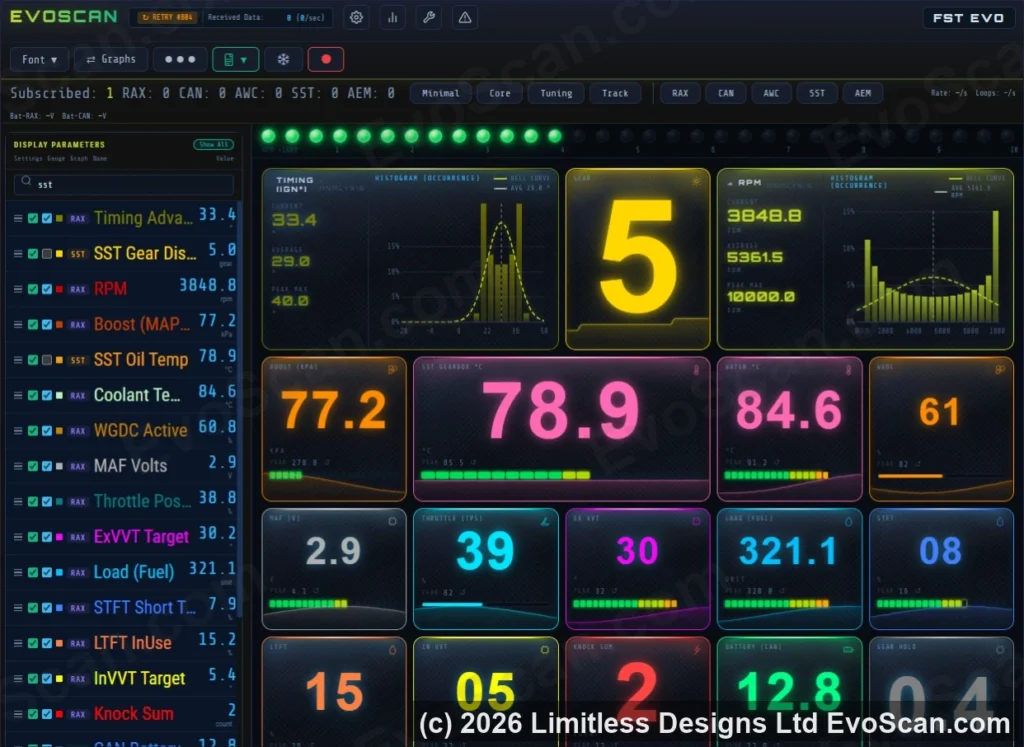
Round and bar gauges, drag-and-drop live graphs, gear and shift-light widgets, arranged the way you want for any screen size. Because it all runs in the browser, an old phone in a windscreen mount makes a dedicated display and an Android head unit can show it full screen.
Data logging
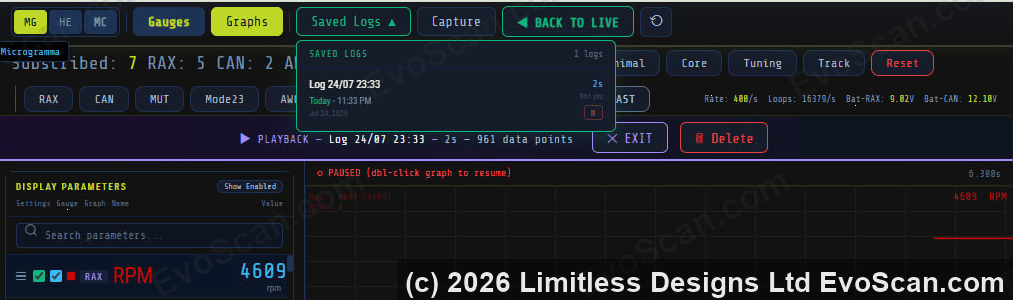
Recording happens on the device, not on your phone, so a dropped connection or a locked screen never loses a run. Review logs in the built-in viewer with a data grid and zoomable graphs, or download CSV files with microsecond timestamps for your tuner. No third-party log viewer is required.
Diagnostics
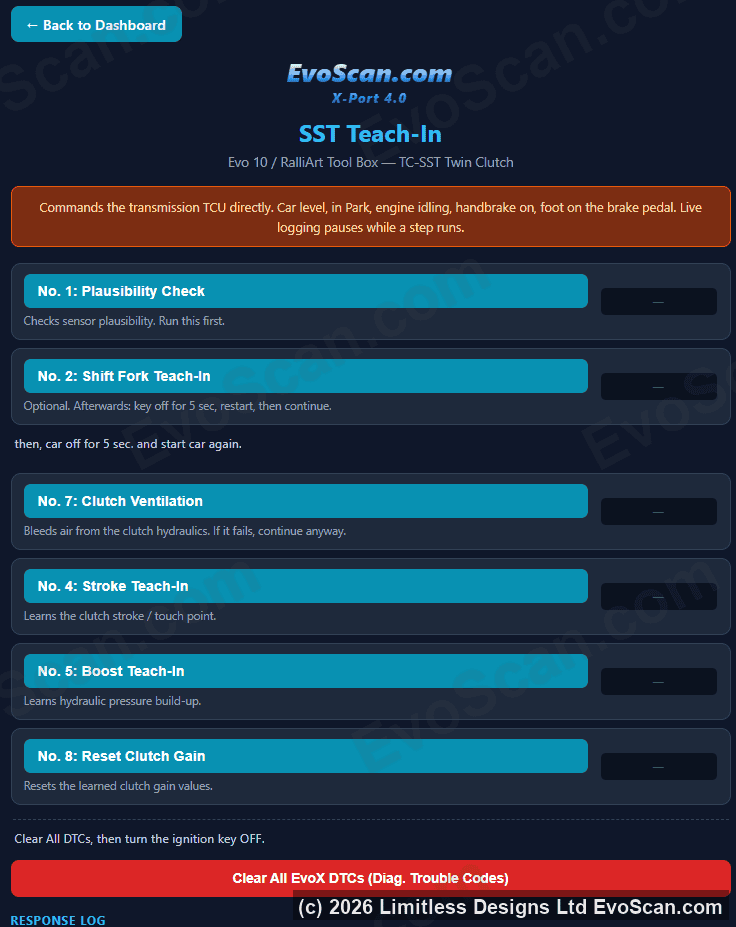
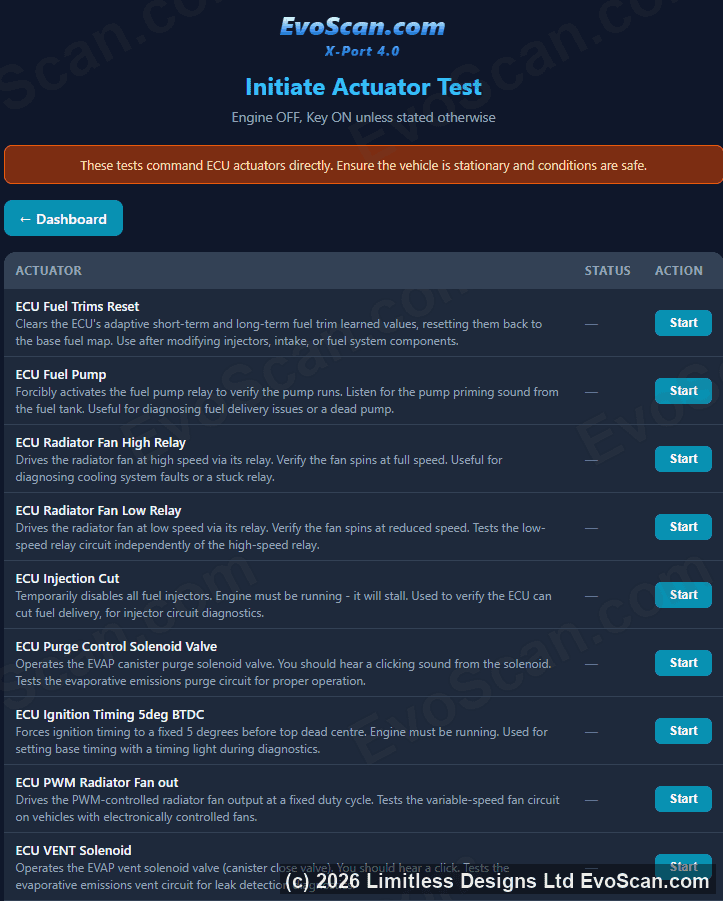
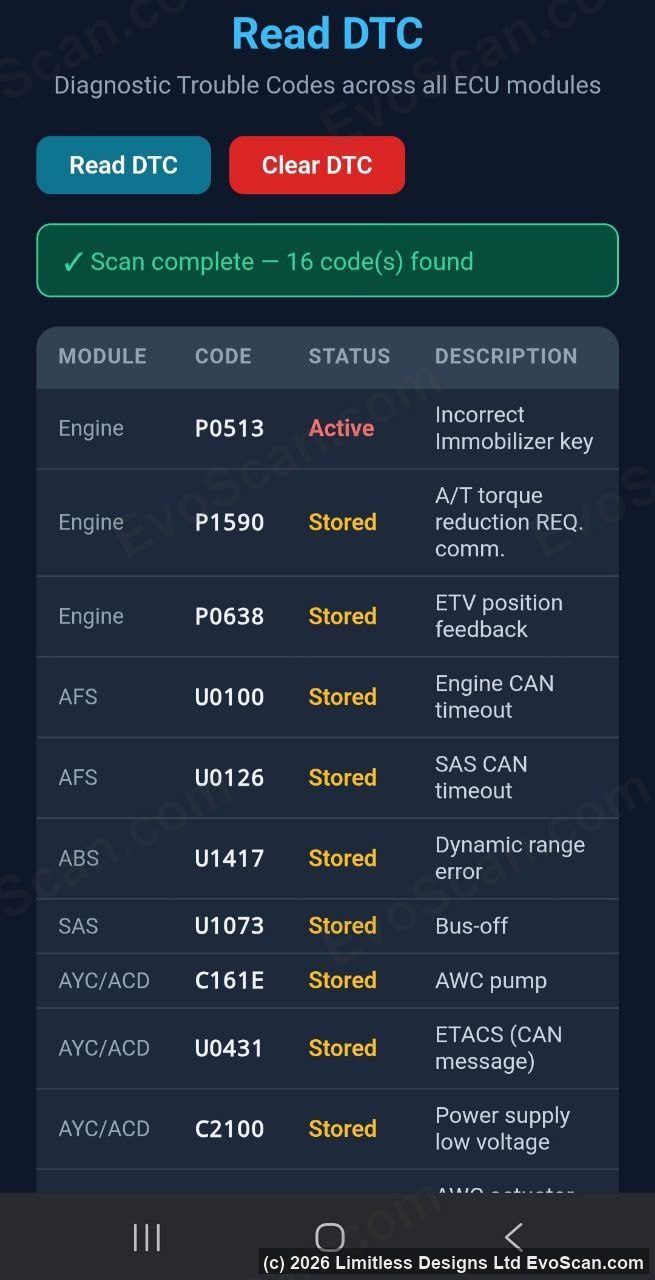
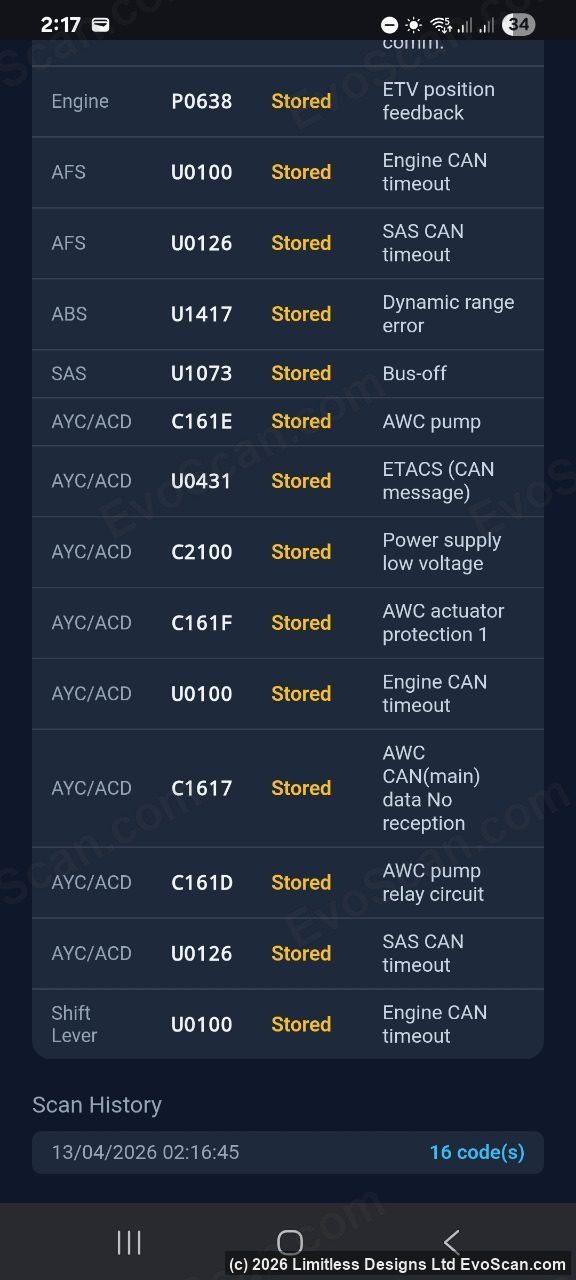
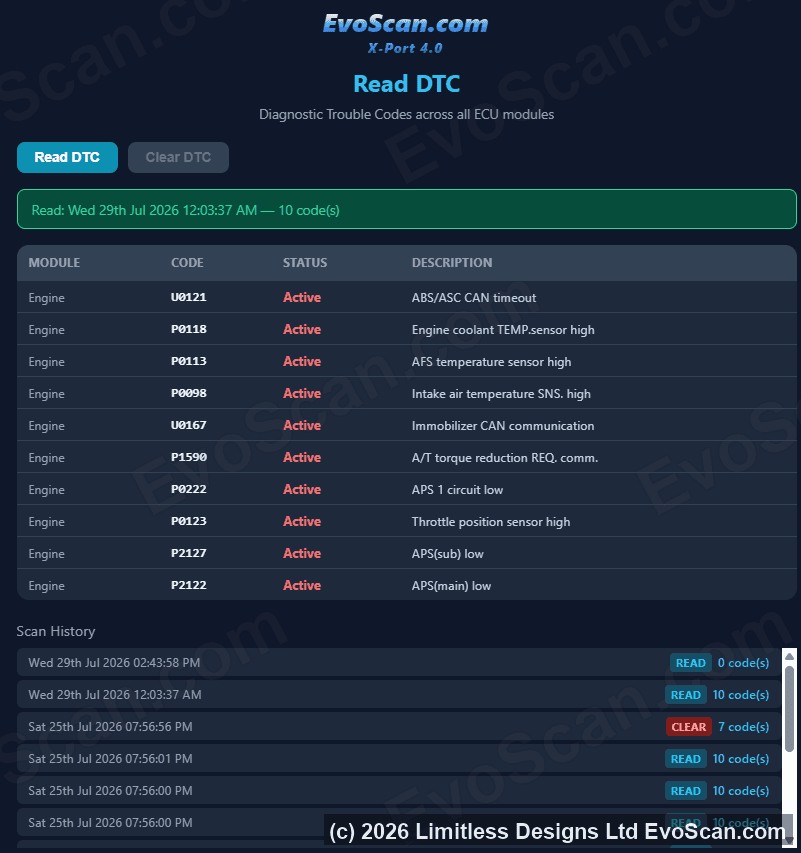
Read and clear diagnostic trouble codes on every module in the car. Each scan is saved with its date and codes, so you still have the record for your mechanic after a code has been cleared. On the Evo X and Ralliart the dashboard also includes the SST gearbox teach-in and actuator test pages.
Wideband air-fuel ratio
Port 4.0 logs AFR from the wideband controllers EvoScan has always supported, plus the AEM OBD-II CAN X-Series gauges (30-0333 and 30-0334), on the same timeline as the ECU data. Enable the AFR gauge that matches your controller in the Wideband menu and the device switches to that source.
| Wideband | How it connects |
|---|---|
| AEM OBD-II CAN X-Series: 30-0333 or 30-0334 | Two-wire CAN at the gauge’s default OBD-II settings: plain 11-bit CAN, it answers OBD-II PID 0x24 requests at 0x7E6. Wire its CAN pair to the same steering-column CAN pair as the Port 4.0, not into the OBD-II port on the far side of the ETACS gateway. The standard X-Series 30-0300 / 30-0310 use their serial wire instead (next row). |
| AEM UEGO 30-4100 / 30-4110 gauges, and the X-Series serial output | RS-232 serial at 9600 baud, through the serial input. |
| AEM Inline 30-2310 | RS-232 serial at 19200 baud. |
| Innovate LC-1, LC-2, MTX-L, LM-2 and LM-1 | RS-232 serial at 19200 baud. Shows the controller’s warm-up and status, plus aux channels from chained Innovate devices. |
| Zeitronix Zt-2 and Zt-3 | RS-232 serial at 9600 baud. AFR plus the Zeitronix EGT, RPM, boost, TPS and user inputs. |
| PLX iMFD (SM-AFR) | RS-232 serial at 19200 baud. |
| AutoMeter and Stack Pro Plus | RS-232 serial at 9600 baud. |
| Any wideband with a 0-5 V analogue output | The engine ECU’s rear O2 input (Evo X and Ralliart). Wire the analogue output to the rear O2 pin and Port 4.0 reads the voltage back through the ECU; nothing connects to the Port 4.0 itself. Presets cover the published output scales, or enter your own. |
Serial widebands connect to the Port 4.0’s D0 pin through a standard MAX3232 RS-232 receiver module, a two-dollar part from any electronics supplier. The wideband hookup guide shows the wiring step by step and what to check when nothing comes through. The Wideband menu shows exactly what the serial input is receiving, bytes, packets and line errors, so a wrong baud rate or polarity is obvious within seconds, and a polarity switch handles TTL-level devices.
Connectivity
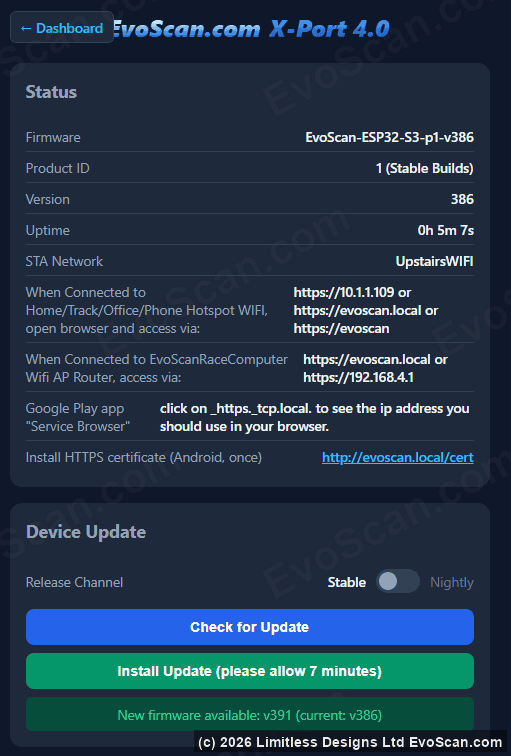
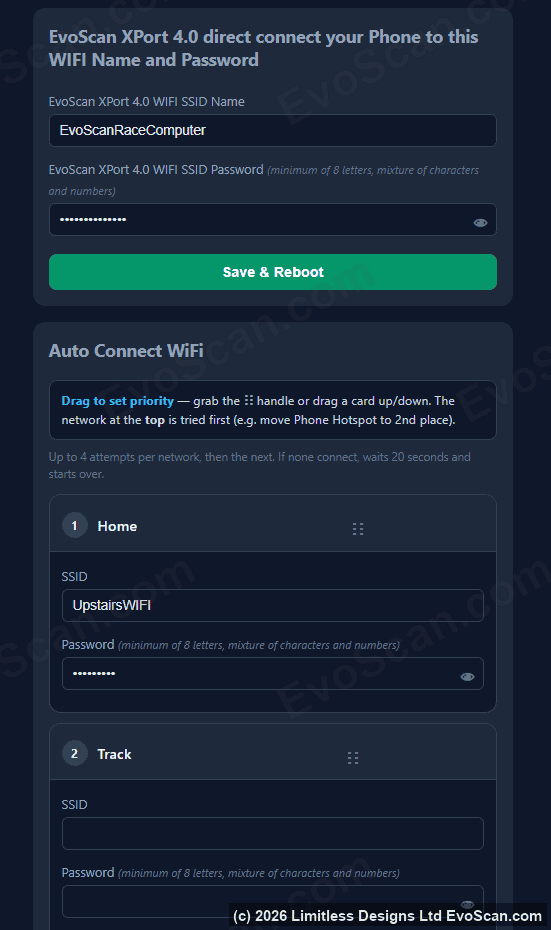
The device runs its own Wi-Fi network and can join your phone hotspot, home, garage or track Wi-Fi at the same time, with up to three networks stored. Your phone keeps its internet connection for maps and messages while it is talking to the car. On Android, the EvoScan app finds the device on the hotspot by itself, whatever address it was given. The dashboard is served over HTTPS at https://evoscan.local behind an admin password you set, so nobody else on a shared workshop or pit network can read your logs. Normal operation needs no internet. The device only goes online when you install an update.
Updates and licensing
Firmware updates are encrypted and installed from the dashboard in a few minutes. The Forever Updates option adds every future version and feature for the life of the device.
A licence is locked to one XIAO ESP32-S3 through the chip’s hardware encryption key, not to a VIN or a vehicle. Move the device between cars as often as you like, or transfer the licence to another evoscan.com account from your My Account page when you sell the car or the device. There are no subscriptions and no monthly fees.
Vehicle support
- Mitsubishi Lancer Evo X, Ralliart and Sportback, 2008 to 2016. Full native support: engine data over MUT, Mode 23 and the high-speed RAX RAM reads, TC-SST twin-clutch gearbox, S-AWC with ACD and AYC, TephraXmod CAN packets, DTC read and clear on all modules, SST teach-in and actuator tests.
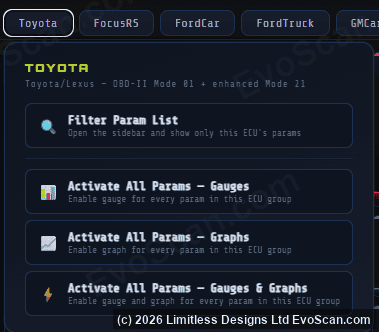
- Toyota Corolla, Camry and Highlander, 2008 to 2017. Engine, gearbox, ABS and traction control data over the Toyota P4 and P5 protocols, gear indicator and gearbox temperature, DTC read and clear on all modules.
- Holden and Ford Focus RS. Native protocols, with gear indicator and gearbox temperature on the Focus RS.
- Any petrol vehicle with CAN OBD-II. Standard live data and trouble codes on vehicles from 2008 onward, and most from 2004 to 2007, over ISO 15765-4 at 500 kbit/s. Pre-2003 vehicles are not supported. Some 2020-on GM models (Corvette, Silverado, Tahoe) use CAN FD beyond basic diagnostics, so support there is limited to emissions-level data and codes.
- Any 2008 to 2017 make and model with the CAN Analyzer option. Capture the bus, identify the frames you want and build your own parameters and gauges for Subaru, Mazda, BMW, VW, GM and anything else on CAN.
What you need to buy
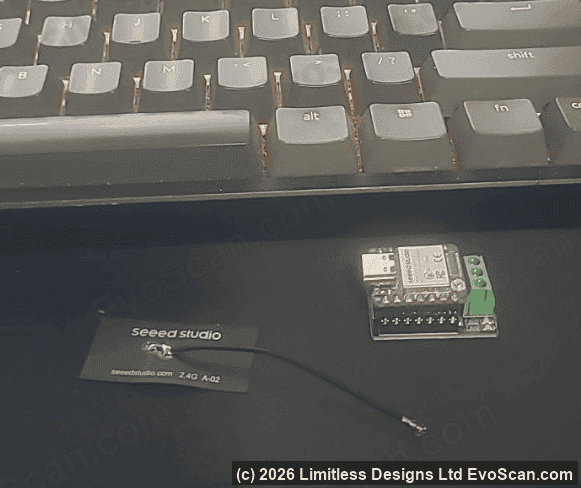
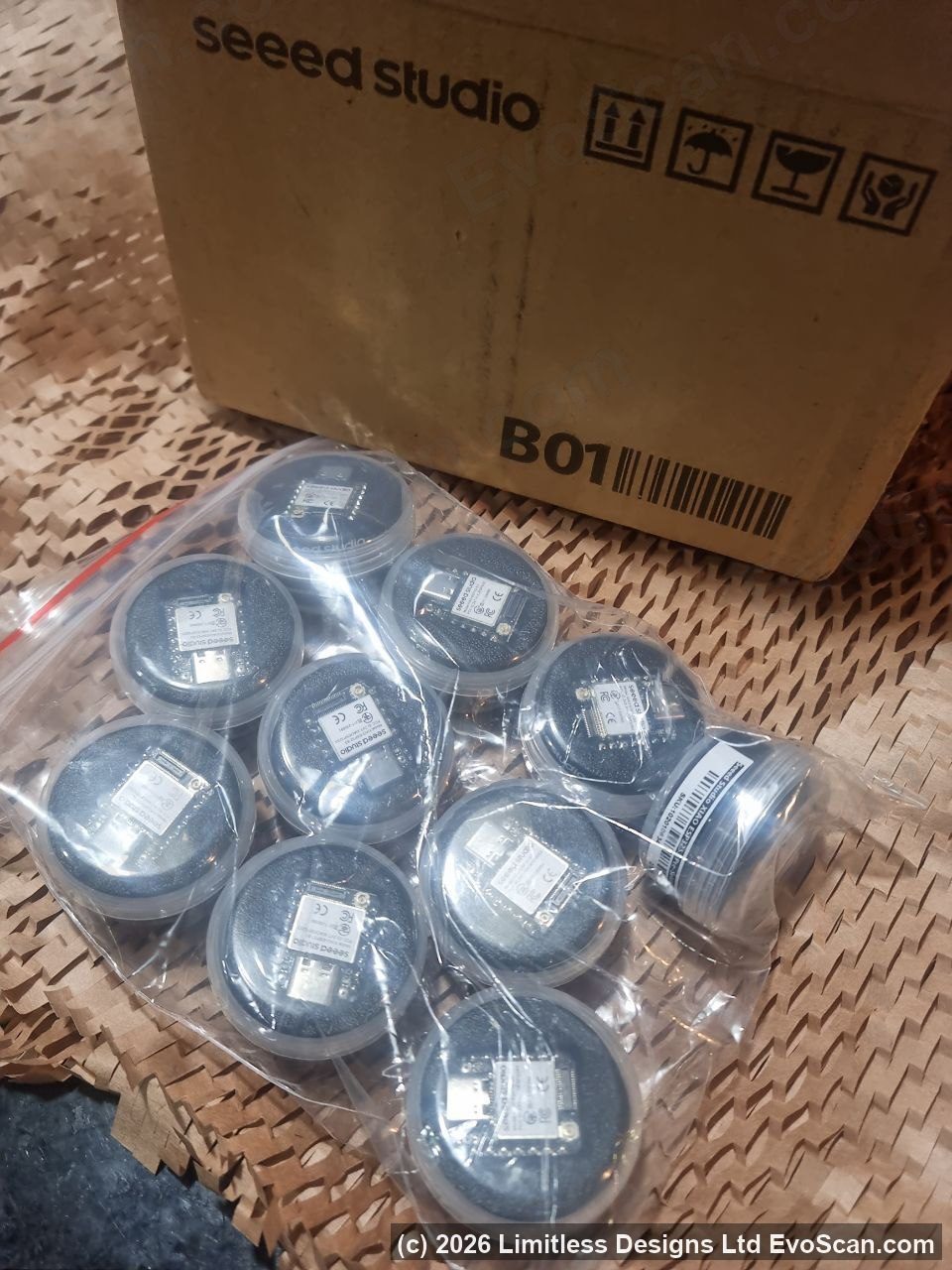
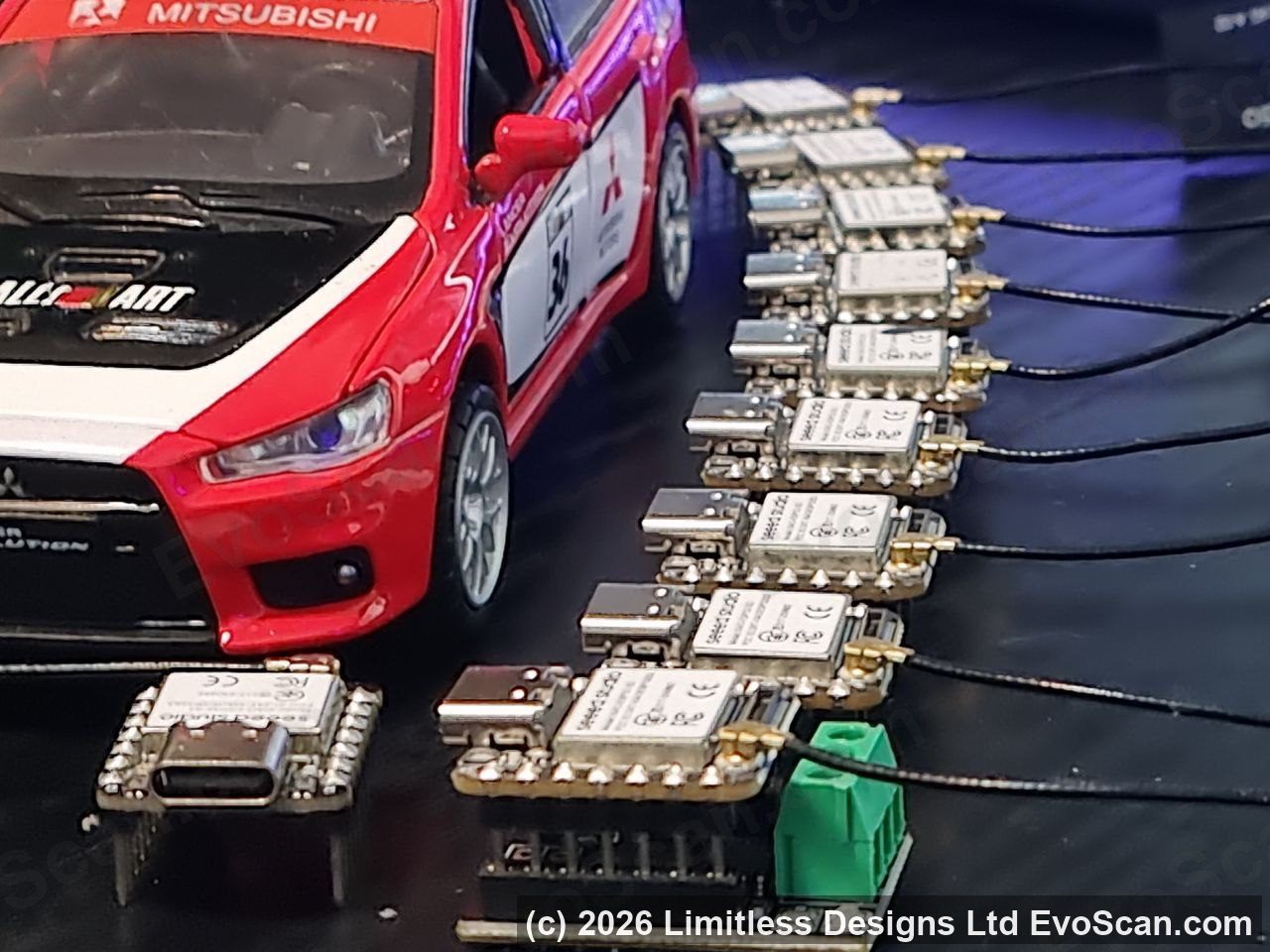
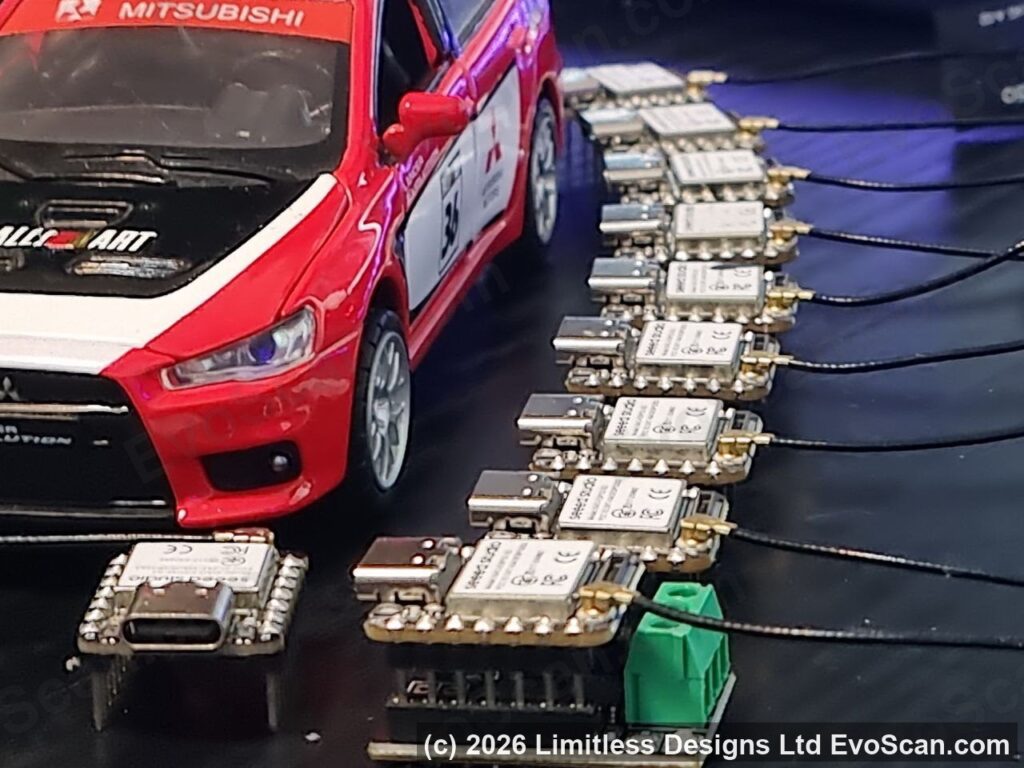
The licence is the software. You supply the board it runs on: off-the-shelf parts from Seeed Studio, FCC and CE certified, shipped from the USA, Europe and Asia. The two boards press together by hand, so no soldering is needed. The same purchase links are built into the flasher. Prices are approximate, in USD.
| Part | Approx. USD | |
|---|---|---|
| Seeed Studio XIAO ESP32-S3 (Pre-Soldered) RequiredThe computer. It must be the ESP32-S3 with pre-soldered pins. | $8.49 | Buy |
| CAN Bus Breakout Board for XIAO RequiredJoins the XIAO to the car’s CAN wires through two screw terminals. | $9.95 | Buy |
| 2.4 GHz rod antenna for XIAO RecommendedFar stronger Wi-Fi than the stick-on aerial in the box. The listing says ESP32C3; it fits the S3. | $2.20 | Buy |
| 12/24 V to 5 V in-car power supply, USB-C output RequiredRuns the device from the car’s 12 V supply. | $4.00 | Buy |
| T-tap fast-crimp terminals, pack of 10 RequiredTap into the two CAN wires without cutting them. | about $3 | Buy |
| MAX3232 RS-232 module Serial widebands onlyConverts a gauge’s RS-232 output for the D0 input. Any electronics supplier. Hookup guide. | about $2 | |
| Core kit: the four Required parts plus the antenna | about $27 |
Order the exact board: Seeed Studio XIAO ESP32-S3 (Pre-Soldered). Seeed sells several XIAO boards that look identical (ESP32-C3, ESP32-C6, ESP32-S3 Sense, RP2040, nRF52840) and none of them will work. If you are building more than one, the XIAO ESP32-S3 three-pack works out under $6 a board but ships with the header pins un-soldered. Each board needs its own licence.
Getting started
- Download the flasher. It is in the Downloads section of your My Account page as soon as the order completes, and a welcome email with the Evo X wiring guide follows.
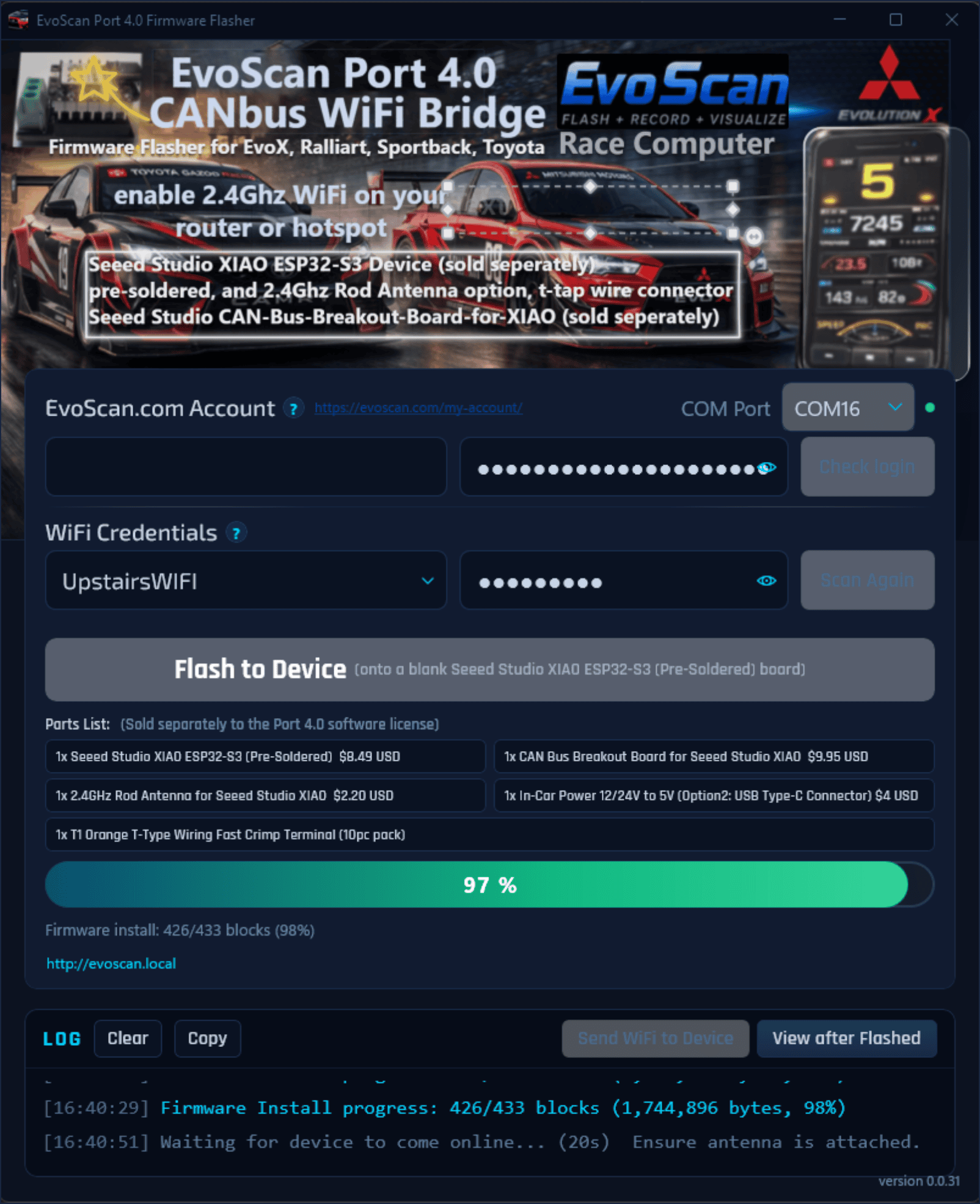
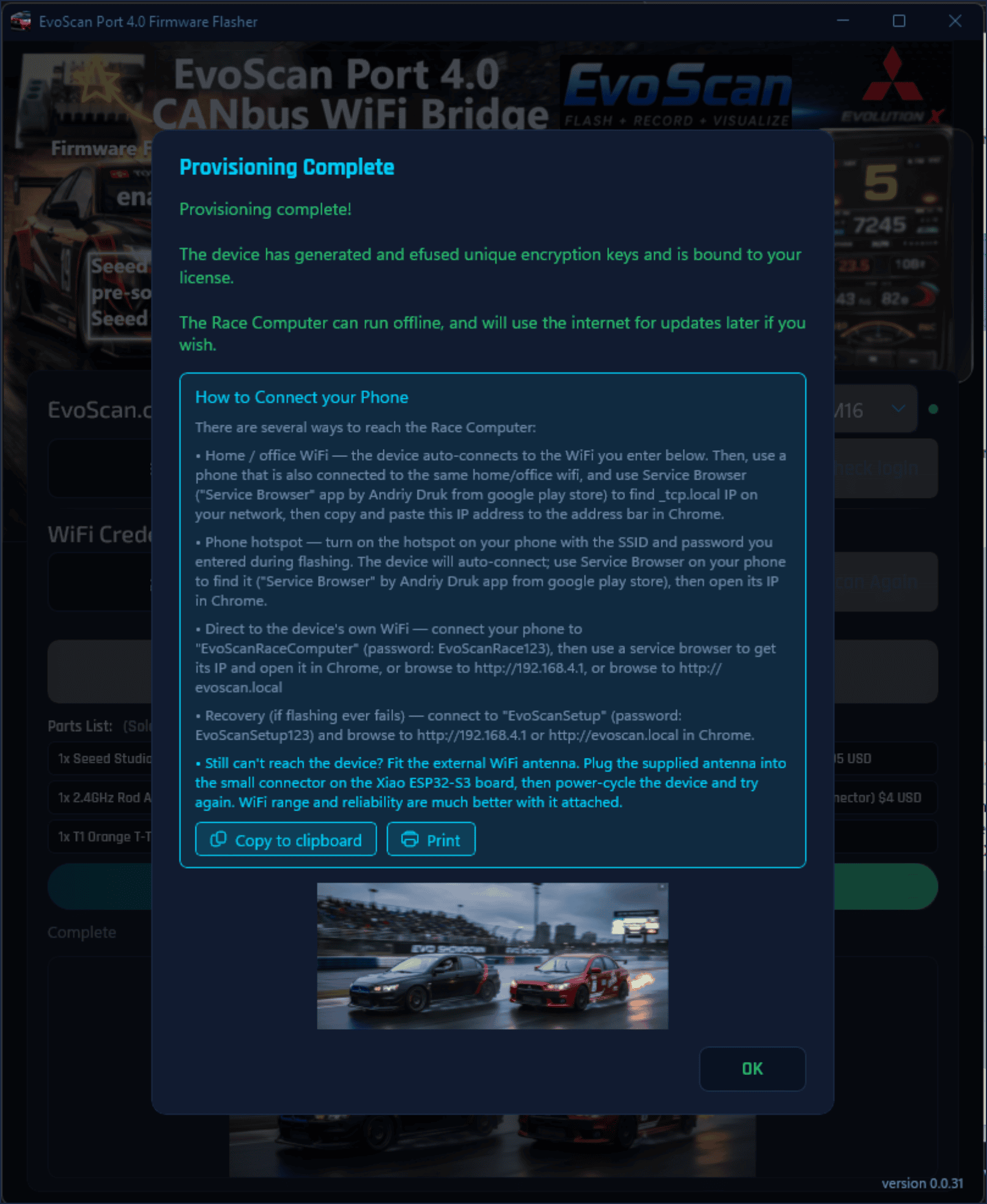
- Flash the board. Plug the blank XIAO ESP32-S3 into a Windows 10 or 11 PC with a data USB-C cable, sign in with your evoscan.com account, choose your Wi-Fi network and press Flash. Over the next five to ten minutes the device registers to your account, joins your Wi-Fi and downloads its licensed firmware over a secure connection. Your browser opens on the dashboard when it finishes.
- Fit it in the car. Press the XIAO onto the CAN breakout board, clip on the antenna, power it from the 12 V to 5 V converter and T-tap the two CAN wires into the high-speed CAN wiring at the side of the steering column. The wiring guide covers it step by step with photos. Use the internal bus, not the OBD port: that is where the speed is.
- Drive. Connect your phone to the car’s Wi-Fi, or let the device join your hotspot, open https://evoscan.local and build your dashboard. On an Android phone, open the EvoScan app instead and it finds the device for you.
Options
The base licence includes the full dashboard, logging, diagnostics and wideband support described above. The options above the Add to cart button add the following. Prices and delivery dates are shown on each option.
- Forever Unlimited Version Updates. Every future firmware version and feature for the life of the device, including everything on the roadmap below.
- CAN Analyzer. Capture and decode raw CAN traffic on the device and create your own parameters and gauges for any 2008 to 2017 make and model.
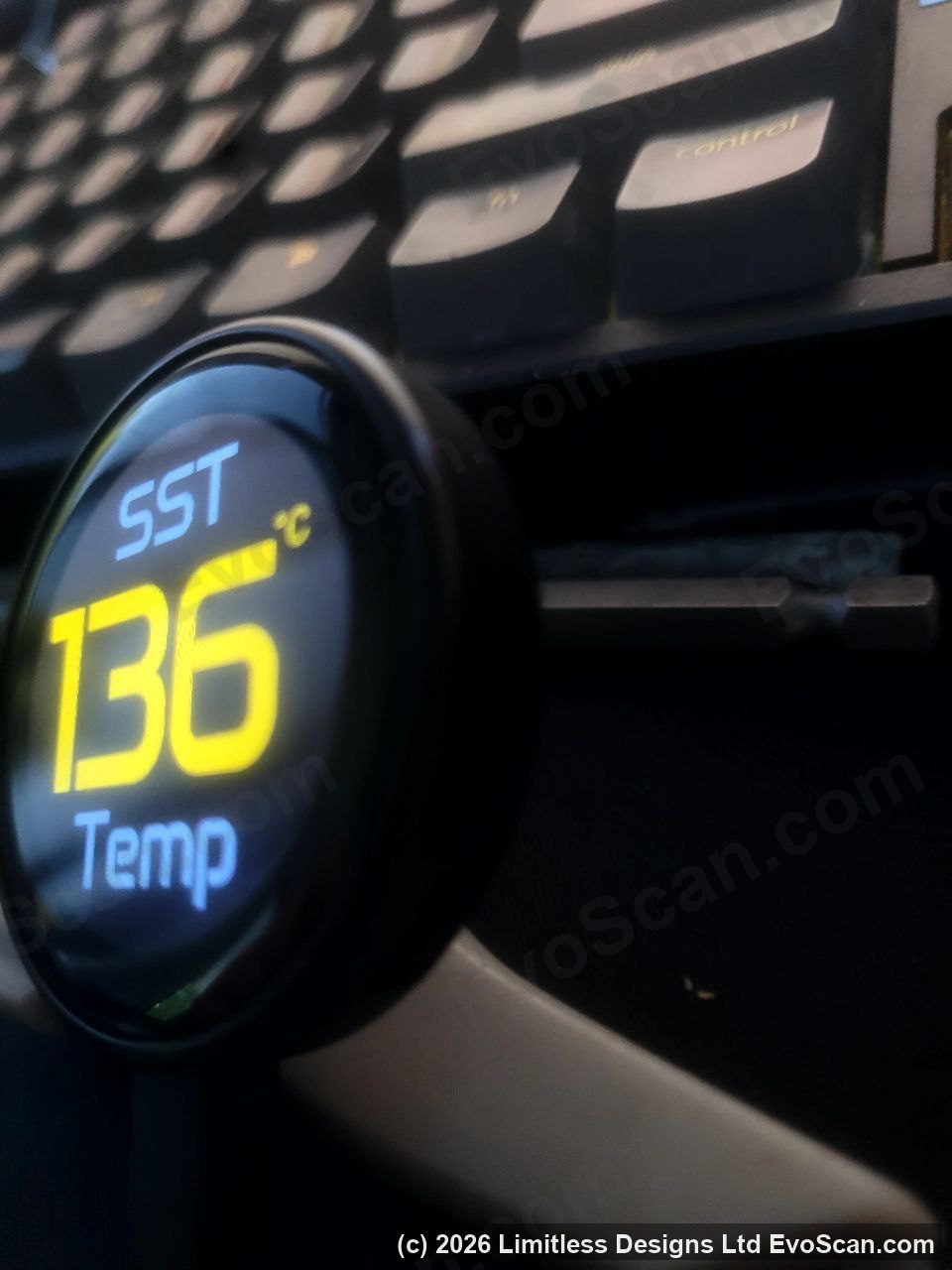
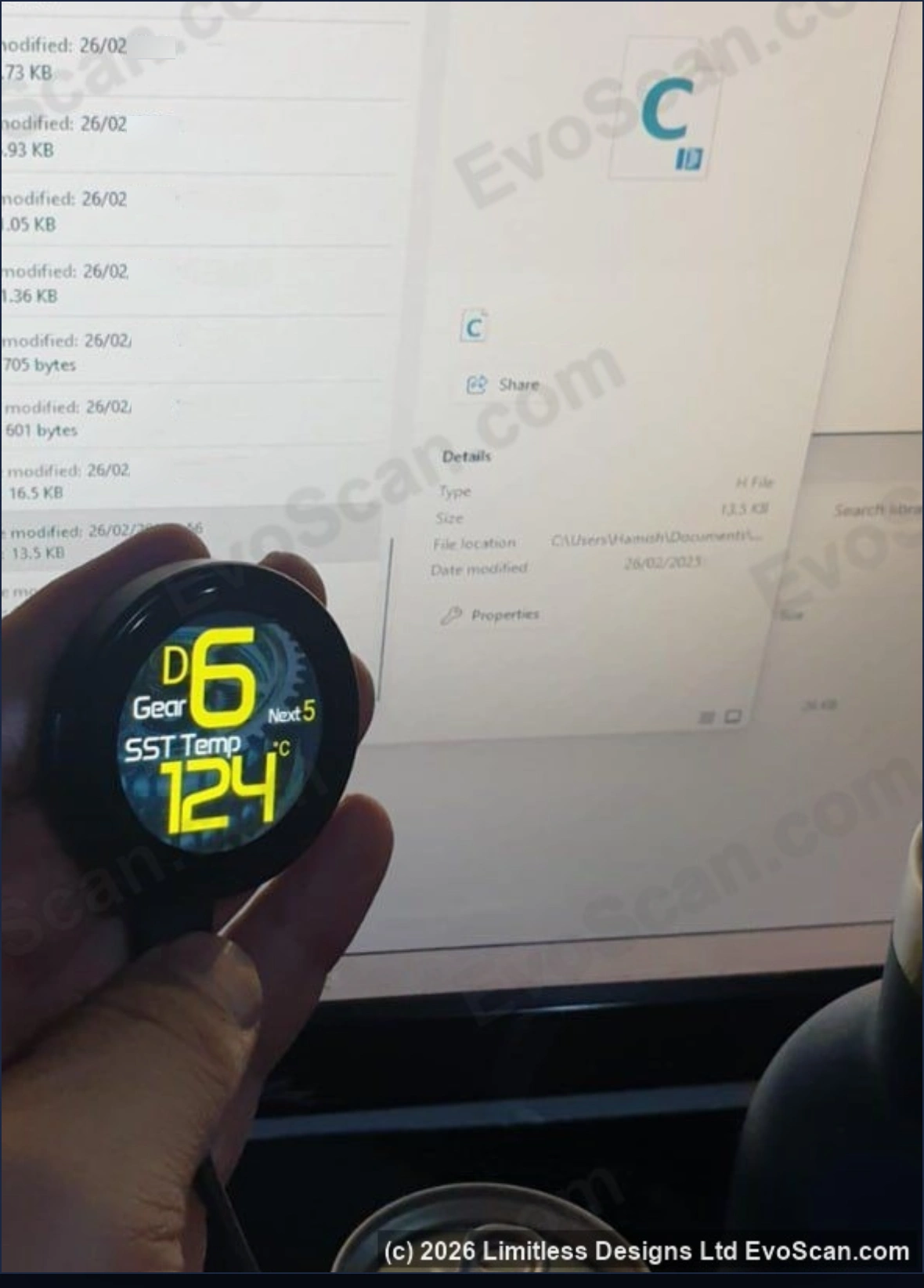
- External display firmware. Firmware for small round or rectangular panel displays that show live gauges straight from the device with no phone involved. Display hardware is sold separately.
- SST gear shift adjustment page. Adjust SST shift speeds from your phone.
On the roadmap
Port 4.0 is in active development. Current work includes:
- SST drive-mode automation: start the car in S-Sport, or switch between Normal and S-Sport automatically by road speed.
- Automatic DTC alarms on the dashboard.
- A built-in lap timer with sector times and lap deltas that works on any circuit without an external GPS.
- A rally distance meter averaging the four wheel-speed sensors and GPS.
- Sharing a datalog with your tuner by passcode.
- A relay, switch and sensor input expansion board (in beta).
- Sending a datalog straight from the device to the Boost Logix log analyser (in beta).
Resellers and tuning shops
Buy as many licences as you need and issue them one at a time from your My Account page to any registered evoscan.com email address. Keep a few blank boards on the shelf, flash one for each customer, and the device stays registered to that customer’s account for updates.
Specifications
| Processor | 240 MHz ESP32-S3 with 8 MB memory (Seeed Studio XIAO ESP32-S3) |
|---|---|
| CAN bus | 500 kbit/s, 11-bit identifiers, ISO 15765-4 with ISO-TP multi-frame, UDS and manufacturer protocols |
| Wi-Fi | 2.4 GHz, access point and client at the same time, three stored networks |
| Interface | Browser dashboard at https://evoscan.local in Chrome or Safari on Windows, macOS, Android, iPhone, iPad and Android head units; free EvoScan app for Android 8 and newer |
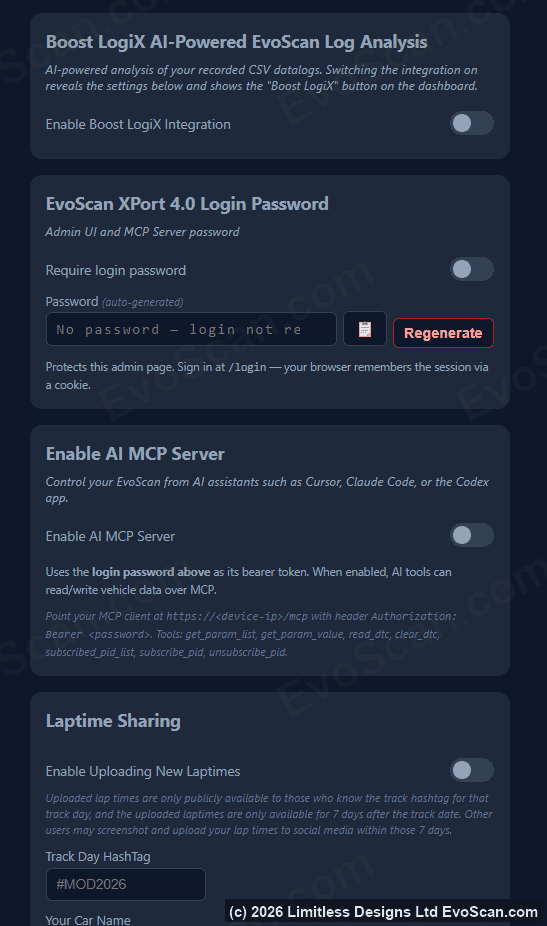
| Security | HTTPS, admin password, licence bound to the chip’s hardware encryption key, encrypted firmware updates |
| Wideband inputs | CAN (AEM OBD-II X-Series 30-0333 / 30-0334 at its default settings, on the Port’s steering-column CAN pair), RS-232 serial through a MAX3232 on D0, 0-5 V analogue through the engine ECU rear O2 input |
| Logging | On-device recording, built-in viewer, CSV export with microsecond timestamps |
| Flasher | Windows 10 or 11, USB-C, one-time provisioning against your evoscan.com account |
| Licence | One per XIAO ESP32-S3, not VIN-locked, transferable between accounts, no recurring fees |
Common questions
Is this a cable?
No. It is a software licence and a flasher. The hardware is a Seeed Studio XIAO ESP32-S3 and CAN breakout board that you buy separately for under $30, which keeps the price down and keeps the hardware available for years to come.
Do I need a Windows PC?
Once, to flash the board. After that anything with Chrome or Safari works as the display, as does the EvoScan Android app.
Does the car need internet?
No. The device works fully offline. It needs internet only during the initial flash and when you choose to install an update.
Can I use it on more than one car?
Yes. The licence is tied to the board, not the vehicle. Unplug it and move it.
What about Evo 1 to 9?
Port 4.0 is for CAN-bus vehicles from 2008 onward. Evo 1 to 9 use the older K-line MUT interface rather than CAN, so they are not supported. The EvoScan Windows software and cables in the shop cover those cars.
My browser says the connection is not private.
That warning is expected the first time you open https://evoscan.local on a new device. The dashboard is encrypted with the device’s own certificate, which browsers do not recognise because the device lives in your car rather than on the public internet. Click through, or install the EvoScan root certificate once from the device’s Admin page and the warning does not come back. The welcome email walks through both options. The EvoScan Android app already knows the device’s certificate, so it never shows the warning.
What if the board fails or I forget the password?
The boards are cheap. Contact us with your order details and the licence on a failed board can be released so you can flash a replacement.
Pay once and it is yours. Release pricing applies for a limited time. Add Port 4.0 to your cart, choose the options you want, and the flasher download is ready the moment your order completes.